DOI to BibTeX
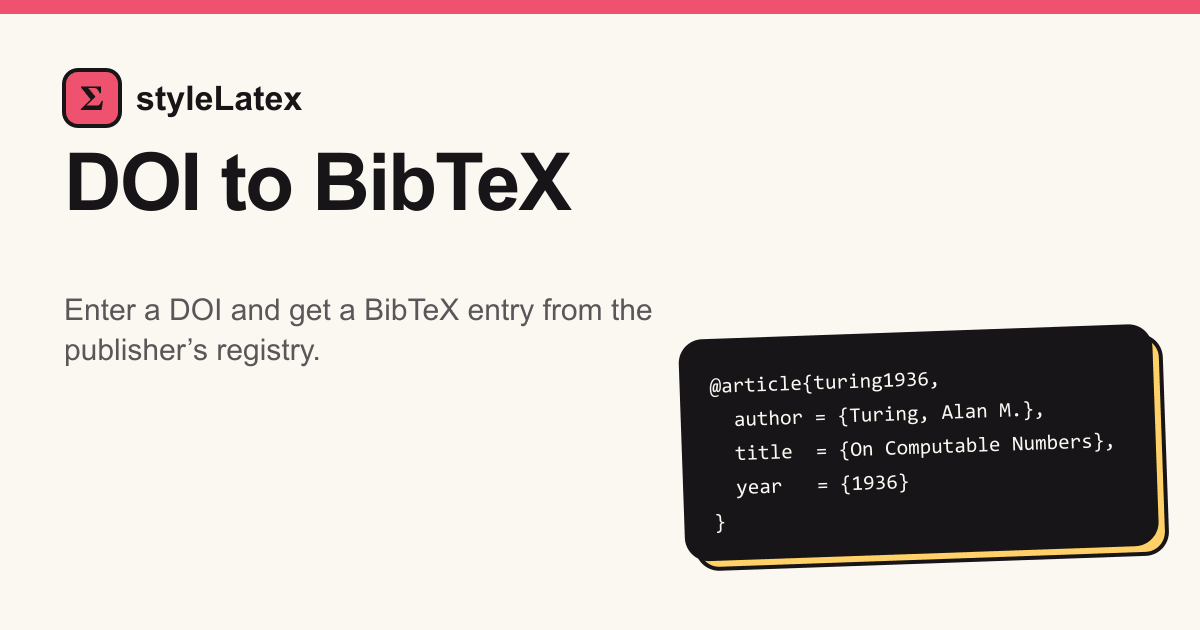
Paste a DOI and get a BibTeX entry you can drop straight into your .bib file. This DOI to BibTeX tool asks the registry that issued the identifier, usually Crossref or DataCite, so the details come from the publisher's own record. It is free and needs no account.
What Is DOI to BibTeX?
From DOI to BibTeX in One Lookup
A DOI is the permanent identifier of a published work. Going from DOI to BibTeX means asking doi.org for the record behind it and receiving it already formatted.
What a DOI to BibTeX Entry Contains
You get one entry: a type such as @article, a citation key, and fields for author, title, journal, year, volume, pages and the identifier. Anything the publisher never deposited is left out, not guessed.
DOI to BibTeX Citation Data from Crossref and DataCite
Crossref covers most journals and conference proceedings, while DataCite covers arXiv preprints and datasets on services like Zenodo. Both return metadata the publisher supplied.
Why Use Our DOI to BibTeX Converter?
A Free DOI to BibTeX Converter Online
There is nothing to install and no sign-up. Open the page, paste an identifier and copy the result on any computer or phone.
Browse more free LaTeX toolsA BibTeX Generator from DOI That Reads the Registry
Search engines often scrape web pages to build entries, which can garble names or lose the identifier. Reading the registry avoids that and always keeps the DOI field.
Built Next to Our Other LaTeX Tools
This DOI to BibTeX generator sits beside helpers for the rest of a manuscript, so spreadsheet tables can become booktabs code too.
Try Excel to LaTeXHow to Use It in 3 Steps
Step 1: Paste the DOI or doi.org Link
Copy the identifier from the article page or the PDF; prefixes and links are fine. To add DOI to BibTeX entries you already have, take just the doi field from the result.
Step 2: Get the BibTeX Entry
Press Get BibTeX. Within a second or two the entry appears below, citation key first. Think of it as a DOI to bib shortcut with no forms to fill.
Step 3: Save It to a .bib File
Paste the entry into your references, or press Download to save a DOI to bib file named after the key. Then cite it with \cite{key}.
Convert the rest of your paper to LaTeXOfficial references: DOI Foundation · Crossref
DOI to BibTeX FAQ
- What is DOI in citations?
- A DOI is a permanent identifier for an article, chapter or dataset. In a citation it links to the work, usually as https://doi.org/10…
- What does DOI stand for in citation?
- Digital Object Identifier. Agencies such as Crossref and DataCite issue them, and a DOI keeps working even if the publisher moves its website.
- How to use BibTeX?
- Keep entries in a .bib file, add \bibliographystyle{plain} and \bibliography{refs}, cite with \cite{key}, then run LaTeX, BibTeX and LaTeX twice.
- How to create a BibTeX file?
- A .bib file is plain text. Create refs.bib next to your .tex file and paste each entry from this page into it.
- How to cite in BibTeX?
- Use \cite{key}, where key is the text between the opening brace and the first comma of the entry, such as \cite{LeCun_2015}.
- What is BibTeX?
- The bibliography tool that ships with LaTeX. It reads entries from a .bib file and formats the reference list in your chosen style.
- How to add DOI to citation?
- In BibTeX, include a field like doi = {10.1038/nature14539}; styles that support it print the link. Entries from this page already have it.
- How to use BibTeX in Overleaf?
- Upload or create refs.bib in the project, add \bibliography{refs} to the document, and Overleaf runs BibTeX whenever it compiles.
- What does a DOI look like in a citation?
- It starts with 10., then a publisher prefix, a slash and a suffix, as in 10.1038/nature14539, often shown as a doi.org link.
- How to download BibTeX from Google Scholar?
- Click Cite under a result, then BibTeX. Scholar builds those entries automatically and often omits the DOI, so a registry lookup is fuller.
- How to get BibTeX?
- Use the publisher's Export citation button, the Cite link in Google Scholar, or paste the paper's DOI at the top of this page.
- How to open a BibTeX file?
- It is plain text, so Notepad, VS Code or any editor opens it. JabRef and Zotero show it as a searchable library.
- How to cite arXiv BibTeX?
- arXiv papers have DataCite DOIs such as 10.48550/arXiv.2101.00001, which work here. Once the paper is published, cite the journal DOI.
- How to cite a book BibTeX?
- Many academic books and chapters have DOIs, so paste one here. For a book without a DOI, write an @book entry by hand.
- How to import BibTeX into Zotero?
- In Zotero choose File, then Import, and pick your .bib file, or copy an entry and use Import from Clipboard.
- How to get BibTeX from Zotero?
- Select items, right-click, choose Export Items and pick BibTeX. The Better BibTeX add-on keeps citation keys stable between exports.
- How to find DOI for citation?
- Look on the article's web page or the first page of the PDF, or search the title at search.crossref.org.
- Do you need DOI in citations?
- APA 7 asks for one whenever the work has it. In BibTeX, keep the doi field and let the bibliography style decide.
- How to add DOI in BibTeX?
- Add a line such as doi = {10.1038/nature14539} inside the entry, using the bare identifier without the https://doi.org/ part.
- How to make DOI citation?
- Paste the DOI here for a BibTeX entry. Reference managers can also ask doi.org for citations formatted in other styles.
- What does export BibTeX mean?
- Saving a reference as BibTeX text, which you can paste into a .bib file and cite from LaTeX.
- How to cite a dataset BibTeX?
- Datasets on Zenodo, Figshare and Dryad carry DataCite DOIs, so paste one here. The registry picks the entry type, often @misc.
- How to convert citation to BibTeX?
- Find the DOI first, for example by searching the title at search.crossref.org, then paste it here. Without a DOI, type the entry yourself.
- What is the difference between BibTeX and biblatex?
- BibTeX formats references with .bst style files; biblatex is a LaTeX package usually run with biber. Both read the same .bib files.
- How to get BibTeX from Springer?
- On the article page choose Cite this article and download the .BIB file, or paste the article's DOI here.
- How to get BibTeX citation from DOI?
- Paste the DOI in the box above and press Get BibTeX. The entry comes straight from the registry that issued it.
- Is there a DOI to BibTeX API?
- Yes. doi.org returns BibTeX when asked with the header Accept: application/x-bibtex, the same source this page reads.
- How do I convert a DOI to BibTeX in Python?
- Send a GET request to https://doi.org/ plus the DOI with that Accept header, for example with the requests library.
- Can I convert a list of DOIs to BibTeX?
- This page handles one DOI at a time, with one lookup every two seconds per visitor. For long lists, script the doi.org request.
- How does Crossref turn a DOI into BibTeX?
- Publishers deposit metadata with Crossref when they register a DOI, and Crossref formats that record as BibTeX on request.
- How do I convert a DOI to BibTeX in Zotero or Paperpile?
- In Zotero, use Add Item by Identifier, then export the item as BibTeX; Paperpile has a similar import. Pasting the DOI here is quicker.
- Can I paste a DOI link instead of the DOI?
- Yes. A bare identifier, the same with doi: in front, or a full https://doi.org/ link are all accepted.
- How do I save the result as a .bib file?
- Press Download to save the entry as a .bib file named after its key, or paste it into an existing refs.bib.
- Is the DOI to BibTeX converter free?
- Yes, and it needs no account. To stay fair to the registries, each visitor gets one lookup every two seconds.
- Which DOIs are supported?
- Any DOI registered with Crossref or DataCite: journal articles, conference papers, books, arXiv preprints and datasets on services like Zenodo.
- Why does my DOI return no result?
- Check for a typo first. A correct DOI that fails was probably registered with an agency other than Crossref or DataCite.
- Can I change the citation key?
- Yes. The key is the text before the first comma; rename it to anything you like and cite the new key.
- Is the generated BibTeX entry accurate?
- It is the publisher's own record. Check author names, and protect capitals in titles with braces, such as {DNA}.
- What is misc in BibTeX?
- @misc is the catch-all type for software, datasets, web pages and other sources with no better type, usually with url or howpublished. Journal DOIs give @article instead.
Have a whole page of notes, a scan or a PDF? Convert it to LaTeX that compiles.
Convert a file