Excel to LaTeX
Paste cells copied from Excel or Google Sheets, or upload a CSV, TSV or .xlsx file, and Excel to LaTeX writes a booktabs table you can compile. The first row becomes the header, number columns align right, and your data never leaves the browser.
What Is Excel to LaTeX?
An Excel to LaTeX Table in Booktabs Style
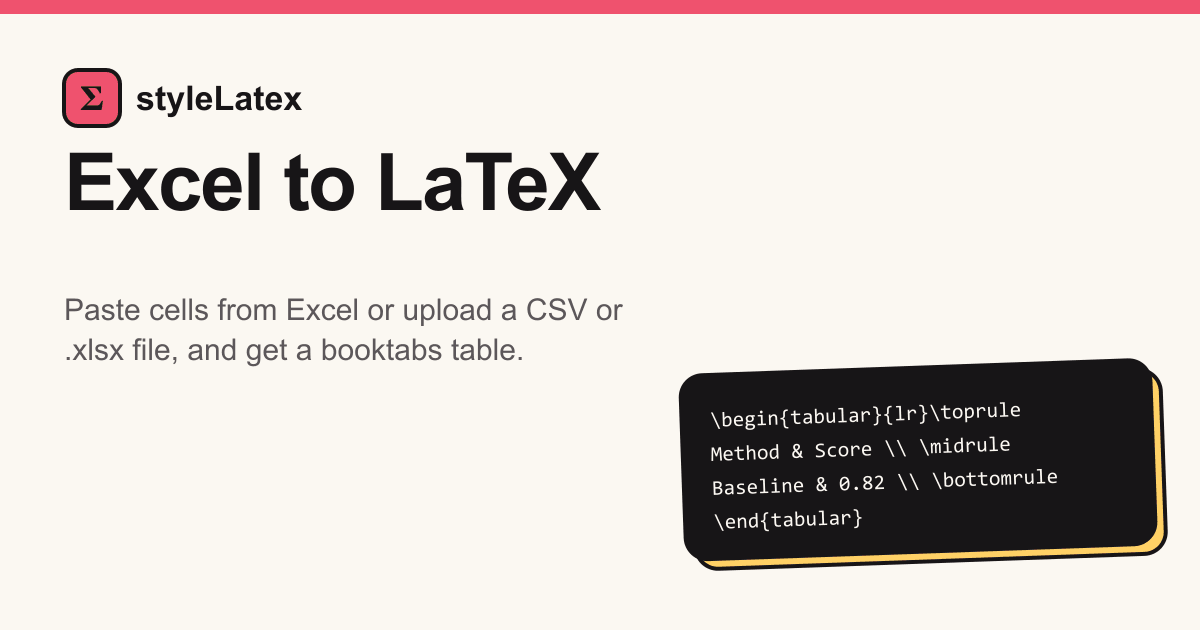
Spreadsheet cells become a tabular with \toprule, \midrule and \bottomrule, the clean rules most journals prefer over a grid of vertical lines. Each spreadsheet row becomes one LaTeX row, and the whole table sits in a float ready for a caption.
CSV to LaTeX Table from the Same Page
Exports from lab software, R or Python are usually comma or tab separated. Upload the file, or paste its text, and CSV to LaTeX works exactly like a pasted Excel range. The separator is detected for you, so semicolon files from European locales work too.
An Excel Table to LaTeX Converter, Not a Screenshot
A picture of a table cannot be searched, copied or restyled, and it blurs in print. Real LaTeX keeps the numbers as text, so fonts match the paper, screen readers can follow it and every cell stays editable.
Why Use Our Excel to LaTeX Converter?
Paste from Excel to LaTeX Without Retyping
Retyping a results table invites typos and takes the better part of an hour. Copy the range once, paste it here, and the ampersands and row endings are written for you. Excel to LaTeX also escapes symbols such as % and &, which would otherwise stop the document compiling.
An Excel to LaTeX Converter Online That Stays in Your Browser
There is no install and no account. The file is read on your own device rather than uploaded, which matters for unpublished data, and it works the same on Windows, macOS, Linux or a Chromebook.
Browse all free LaTeX toolsMatrices and References Too
Beyond this Excel to LaTeX table generator, the same site turns a grid of numbers into a matrix and a DOI into a BibTeX entry, so the tables, equations and references of one paper can be prepared in a single tab.
Open the LaTeX matrix generatorHow to Use It in 3 Steps
Step 1: Copy Cells or Import an Excel Table into LaTeX
Select the cells in Excel or Google Sheets and press Ctrl+C, or Cmd+C on a Mac, then paste. To import a whole sheet, upload the .xlsx file instead; its first worksheet is used.
Step 2: Check the Header and Number Columns
The first non-empty row becomes the header. Columns holding only numbers are right-aligned, and empty trailing rows and columns are dropped. Edit the pasted text and the code updates as you type.
Step 3: Paste the Excel Table into LaTeX or Overleaf
Copy the code, add \usepackage{booktabs} to the preamble, and paste it where the table belongs; for an Excel table to LaTeX in Overleaf the steps are the same.
Convert a full document to LaTeXOfficial references: booktabs (CTAN) · RFC 4180 (CSV)
Excel to LaTeX FAQ
- How to convert Excel table to LaTeX?
- Paste the copied cells into the box above, or upload the file. Check that the first row is your header; Excel to LaTeX then writes the code for you to copy into your document.
- How to make Excel sheet into LaTeX Overleaf?
- Convert the sheet here, paste the code into your Overleaf document where the table should appear, and add \usepackage{booktabs} to the preamble if your template lacks it.
- How to copy a table from Excel to LaTeX?
- Select the range in Excel, press Ctrl+C or Cmd+C, and paste it here. Excel copies cells as tab-separated text, so every column lands in the right place.
- How to export Excel tables to LaTeX?
- Excel has no built-in LaTeX export. Either install an add-in such as Excel2LaTeX, or paste the range on this page, which needs nothing installed.
- How to import Excel into LaTeX?
- For a fixed table, upload the .xlsx here and paste the result. For a table that should refresh from data at compile time, export a CSV and read it with the csvsimple package.
- How to put Excel table in LaTeX?
- The output is already wrapped in a table environment with \centering. Add \caption{…} and \label{…} inside it, load booktabs, and reference the table with \ref.
- Is there an Excel to LaTeX add-in?
- Yes, Excel2LaTeX on CTAN is a macro add-in for desktop Excel. It needs macros enabled; this page does the same job in a browser on any system.
- Can I convert Excel to LaTeX online?
- Yes, on this page. The conversion runs in your browser, so nothing is uploaded, and there is no account, watermark or limit on how many tables you convert.
- Can I convert a whole Excel sheet to a LaTeX table?
- Yes. Upload the .xlsx file and the first worksheet is converted, up to 400 rows and 30 columns. Copy a range instead if you only need part of it.
- Can I convert a long Excel table to a LaTeX longtable?
- The output is a table float holding a tabular. For a table spanning pages, replace both with a longtable environment and load the longtable package; the booktabs rules still work.
- What LaTeX code does the Excel to LaTeX converter produce?
- A table float containing a tabular with booktabs rules: \toprule above the header, \midrule below it and \bottomrule at the end. Text columns align left, numbers right.
- How do I convert Excel to LaTeX with Python?
- With pandas, read the sheet using read_excel() and call DataFrame.to_latex(). That suits automated reports; for a one-off table, pasting here is quicker.
- Can I turn Excel data into a LaTeX matrix?
- For a small block of numbers, the LaTeX matrix generator on this site builds pmatrix or bmatrix code up to 12 by 12. Type or paste the values cell by cell.
- Can I convert CSV or TSV files to LaTeX?
- Yes. Upload a .csv or .tsv file, or paste its text, and the separator is detected automatically. Both produce the same booktabs table as an Excel range.
- How many rows and columns can I convert?
- Up to 400 rows and 30 columns per table, and files up to 20 MB. Larger tables are usually better split, or built with longtable from a CSV.
- Does it keep merged cells and cell formatting?
- No. Merged cells, colours, borders and bold text are dropped, and only values are kept. Add \multicolumn or \textbf by hand where you need them.
- What happens to Excel formulas?
- Each formula is replaced by its last saved value, the number you see in Excel. Save the workbook after recalculating so the values are current.
- Is my spreadsheet uploaded to a server?
- No. Files and pasted cells are processed in your browser and never sent to us, so it is safe for unpublished or confidential results.
- Which LaTeX packages does the table need?
- Only booktabs, for the three horizontal rules. Add \usepackage{booktabs} to the preamble; Overleaf templates often include it already, and no other package is required.
- Are special characters like % and & escaped?
- Yes. Backslashes, braces and the characters $ & # % _ ^ ~ are escaped, so a percentage sign or ampersand in a cell will not break compilation.
Have a whole page of notes, a scan or a PDF? Convert it to LaTeX that compiles.
Convert a file